Free tool · No sign-up
Esports Recap 2026
Pick the 2026 tournaments you saw live, add your name and photo, and download a card made for Stories, X and Discord.
Add your 2026 events
0/16Biggest events of 2026
Type at least 2 letters to search.
Make it yours
Your card is drawn in this browser — nothing you enter is stored on our servers.
Your card
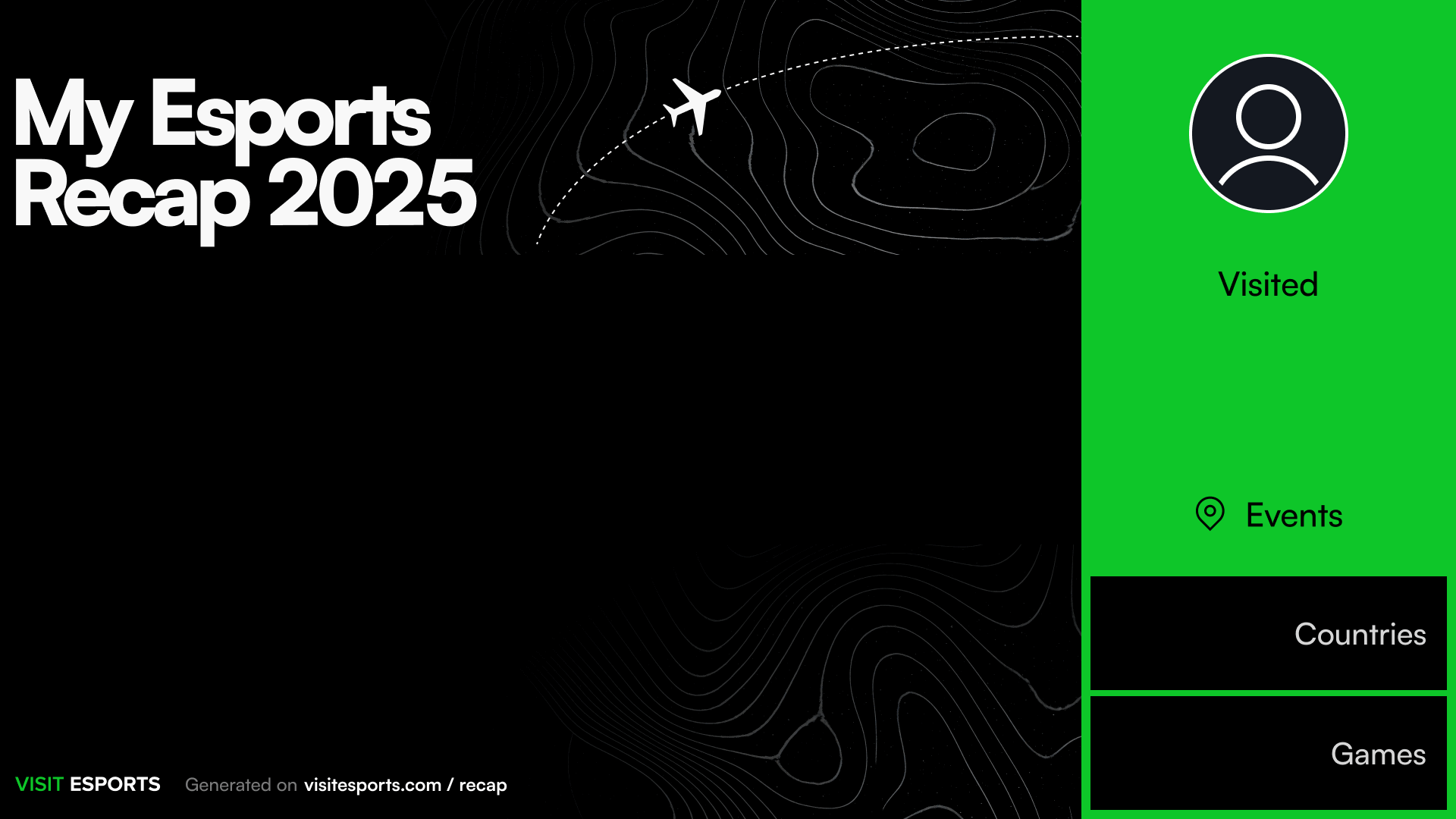
Recap 2026



1920×1080 PNG · X, YouTube, LinkedIn
Add at least one event to download your card.
Went to the arena?
Keep “I visited” on: the card counts the events, countries and games you saw live in 2026 — a travel log for the fans who were in the crowd.
Are you an esports player?
Share the tournaments you played in. Switch to and the card says “Played”, counts your tournaments and shows where you competed — ready for your socials, your team or your sponsors.
Stream on Twitch?
Keep the list on your channel all year: the free Visit Esports Twitch extension shows the events you visited and the ones you’re heading to, as a panel or an overlay.
Plan next year’s recap
Find LAN events, watch parties and conferences near you.
FAQ
What is the Esports Recap 2026?
A free tool from Visit Esports that turns the esports events of your 2026 into one shareable image — an “Esports Wrapped” for fans and players. Pick tournaments, add your name and photo, and download the card. No sign-up, no app.How do I make my esports recap?
- Choose a mode: “I visited” for events you attended as a fan, “I played” for tournaments you competed in.
- Add events: search by tournament or game, or pick from the biggest events of 2026 — up to 16.
- Personalise and download: add your name and, optionally, a link to your photo or avatar, choose 16:9, 1:1 or 9:16 and save the PNG.
Can esports players make a recap of tournaments they played?
Yes. Switch to I played: the card says “Played” and counts tournaments instead of events, so players, teams and organisations can post their 2026 season — LANs, qualifiers, majors — alongside the countries and games it covered.Which tournaments can I add to my 2026 recap?
Any esports event in the Visit Esports database that starts in 2026 — already played or still upcoming — across CS2, League of Legends, Dota 2, VALORANT, Mobile Legends, Rainbow Six Siege, Fortnite and more, from world championships to regional LANs. Missing one? Browse upcoming events or submit it from the site header.Can I add events that haven’t happened yet?
Yes — upcoming 2026 events are in the search, so you can add a final you already have tickets for, like LoL Worlds or a CS2 Major, and post your card the day after.
What sizes can I download?
Three PNG formats: 16:9 (1920×1080) for X, YouTube and LinkedIn; 1:1 (1080×1080) for Instagram and Discord posts; 9:16 (1080×1920) for Instagram Stories, TikTok and Reels. On a phone you can also share the image straight to an app.Is the recap maker free? Do you keep my data?
It is free, with no account and no watermark beyond the small Visit Esports footer. The card is drawn in your browser: your name and photo link are never sent to or stored on our servers.How do I add my photo?
Paste a direct link to an image — for example, your avatar from X, Discord or Steam (right-click the picture and copy the image address). If a site blocks embedding and the download fails, try another link or make the card without a photo.How do I share my esports recap?
Download the PNG (or tap Share on mobile) and post it on Instagram, X, TikTok, Discord or Reddit. Add #EsportsRecap2026 so other fans and players can find it.